Restaurants, cloud kitchens, bakeries and other Indian food businesses holding several licences at once, and the people who keep them current.
How it works
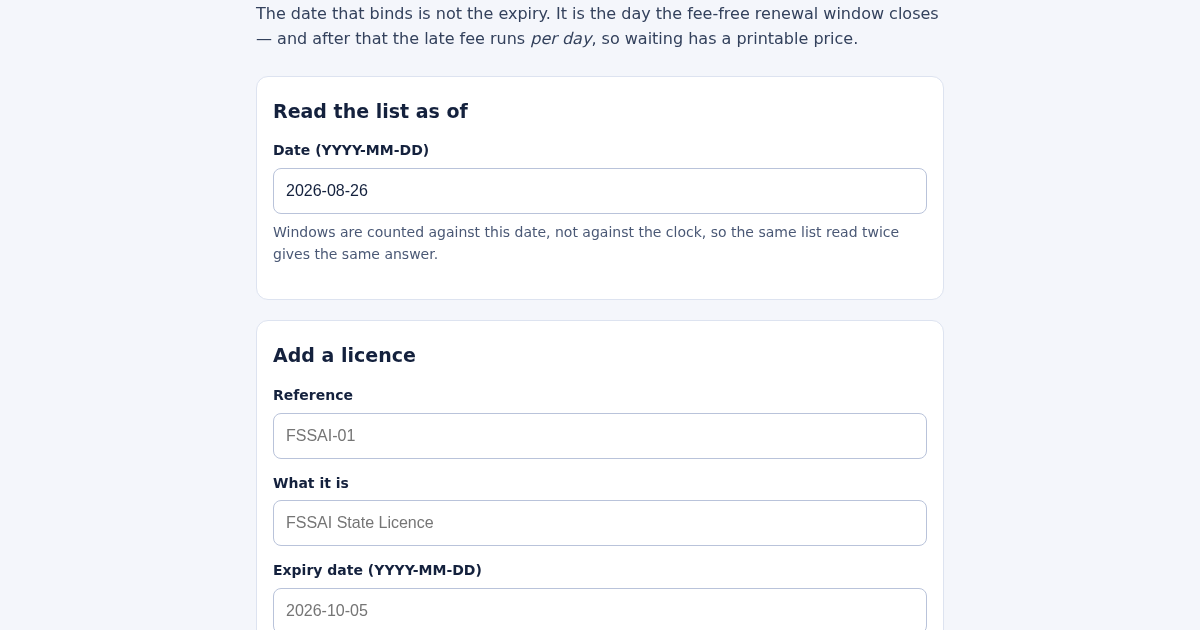
- Set the date you are reading the list as of, so the windows are facts rather than a moving number.
- Add each licence with its expiry date; the FSSAI figures fill in by default and every one of them is editable.
- Read the licences in order of the next date each gets worse, and check how many are already running a fee.
- Look at what another week costs before deciding what waits.
What you gain
- Tells you which of your licences actually needs attention first — not the one expiring soonest, but the one whose fee-free renewal deadline is closest — and prices the late fee in rupees per day of delay.
Screenshot
Technical details
How to set up & use
- Buy the license — your key (lic_...) appears on the order page and in your email.
- Sign in at app.synoriaai.com with your license key.
- No installation — the product runs in your browser, on your own isolated instance.
- 1. Open the page and set the 'as of' date to today or your reference date.
- 2. Add each licence by entering its reference number, type (e.g., FSSAI State Licence), and the date it expires.
- 3. The list automatically sorts by the next date each licence gets worse (fee-free deadline or expiry), not just expiry.
- 4. Check the late fee shown in money for any licence past its fee-free deadline — e.g., ₹100/day means a week costs ₹700.
- 5. Review the count of licences running a fee today and the total fee displayed, then act on the most urgent first.
Frequently asked questions
What does 'binds sooner' mean for my licences?
It means the list prioritises by the earliest date when a licence becomes more expensive or invalid — a licence expiring in 40 days but with a fee-free deadline in 10 days appears before one expiring in 20 days whose fee-free deadline has already passed.
Is my data safe when I enter licence details?
Yes, all data you enter is processed locally in your browser and is not stored on our servers. The page only uses your inputs to calculate and display the sorting and fees.
Can I change the default fee and window numbers?
Yes, the default 180/30/100 figures (for FSSAI) are pre-filled but editable per licence, so you can adjust them for other licence types like trade licences or fire NOCs.
Related products
Calculadora de Tarifas para Autónomos
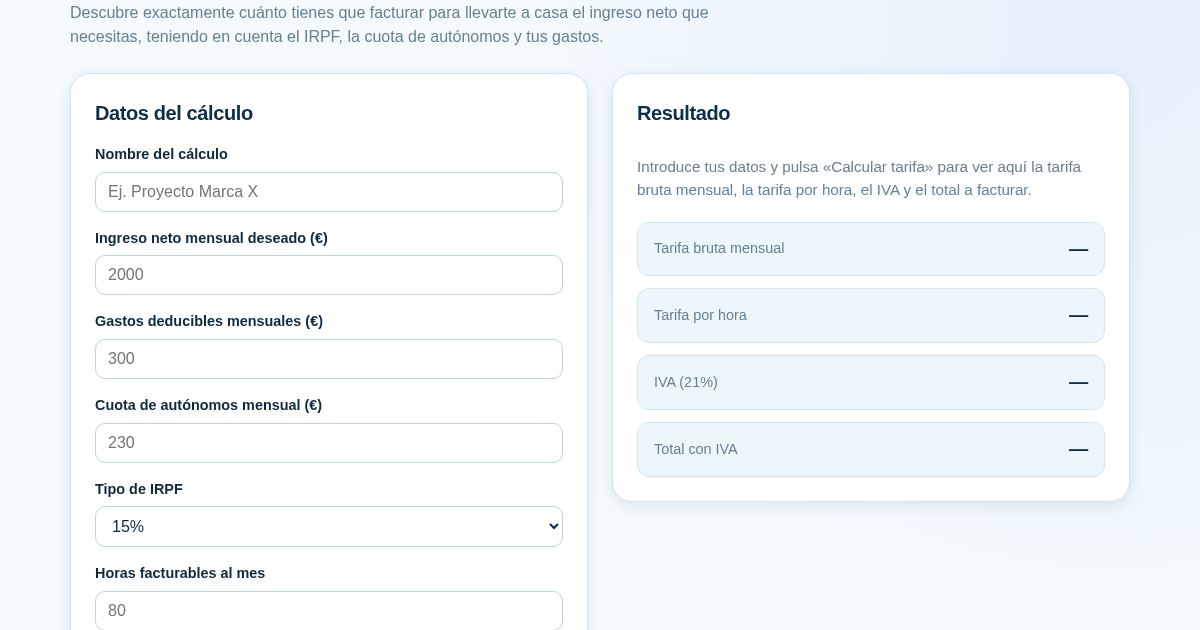
Muchos autónomos fijan sus tarifas sin saber cuánto necesitan facturar realmente para alcanzar el ingreso neto que quieren. Esta calculadora parte del neto mensual deseado y calcula la facturación bruta necesaria…
Ledger & Trial Balance Practice Tool
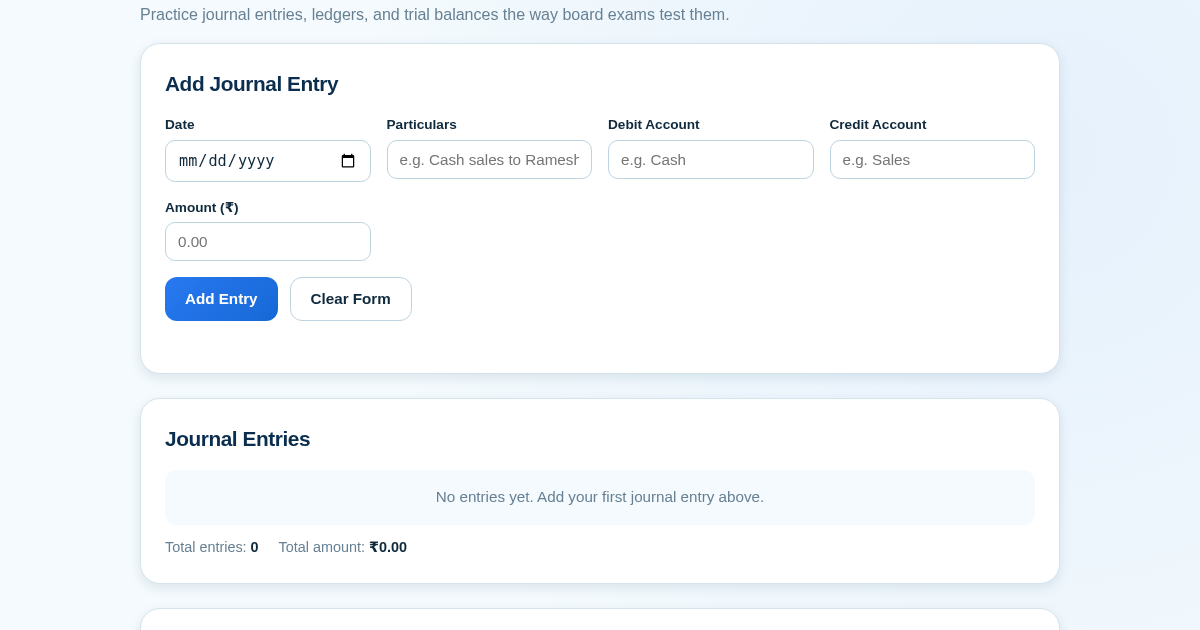
Commerce students in Class 10-12 need to practice journal entries and see how they flow into ledgers, trial balances, and balance sheets for board exams. This tool lets them enter transactions and instantly see the…
KASA - Serbest Çalışanlar İçin Zarf Bütçesi
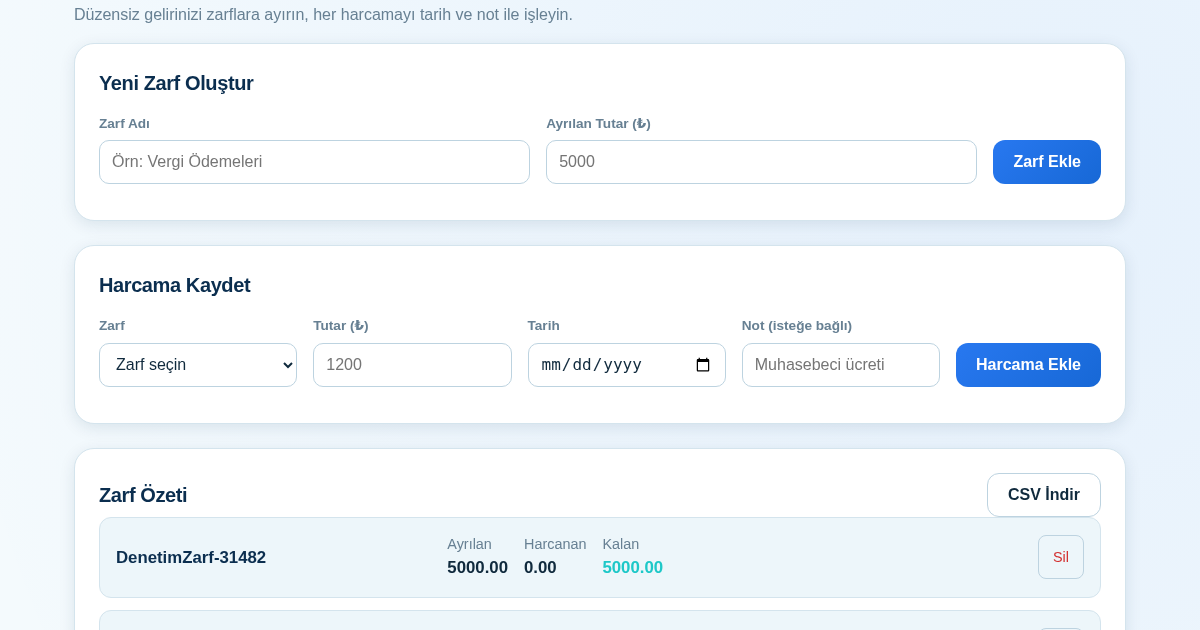
Serbest çalışanlar düzensiz gelirlerini vergi, kira ve yaşam giderleri gibi zarflara bölerek bütçelerini düzenli tutabilir. Her harcamayı tarih ve not ile ilgili zarfa işleyerek ne kadar ayırdığını ve ne kadar…
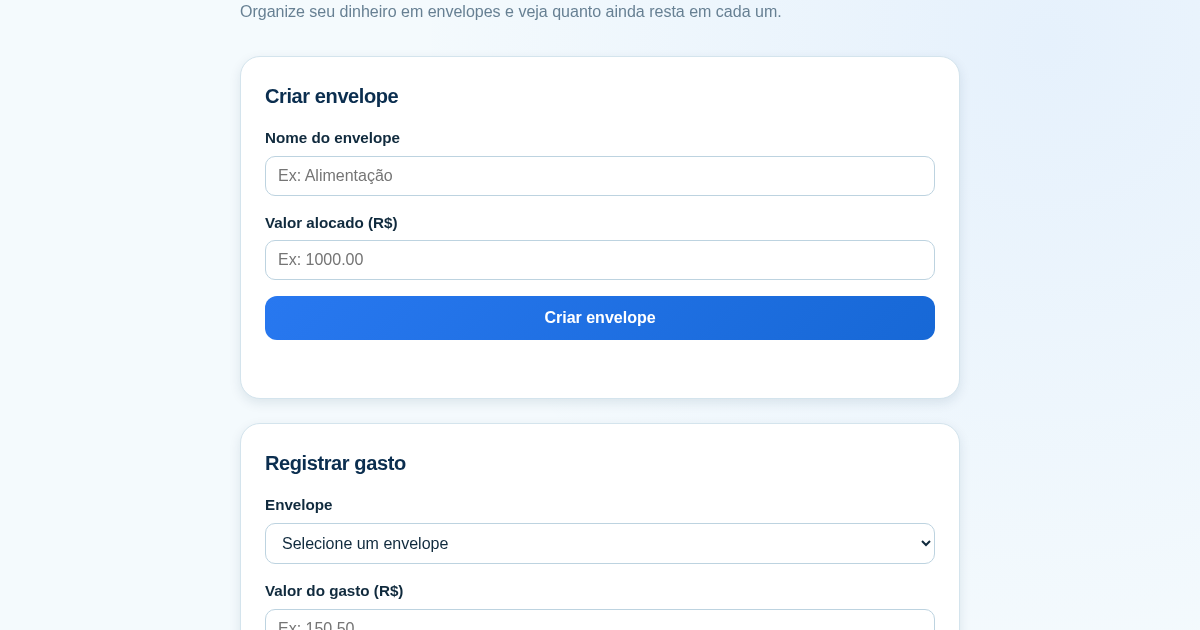
Calculadora de Orçamento por Envelopes (Pix)
Este aplicativo ajuda brasileiros a organizar seu dinheiro em envelopes de orçamento, como alimentação, transporte e lazer, sem precisar conectar uma conta bancária. Ele resolve o problema de controlar gastos do dia a…